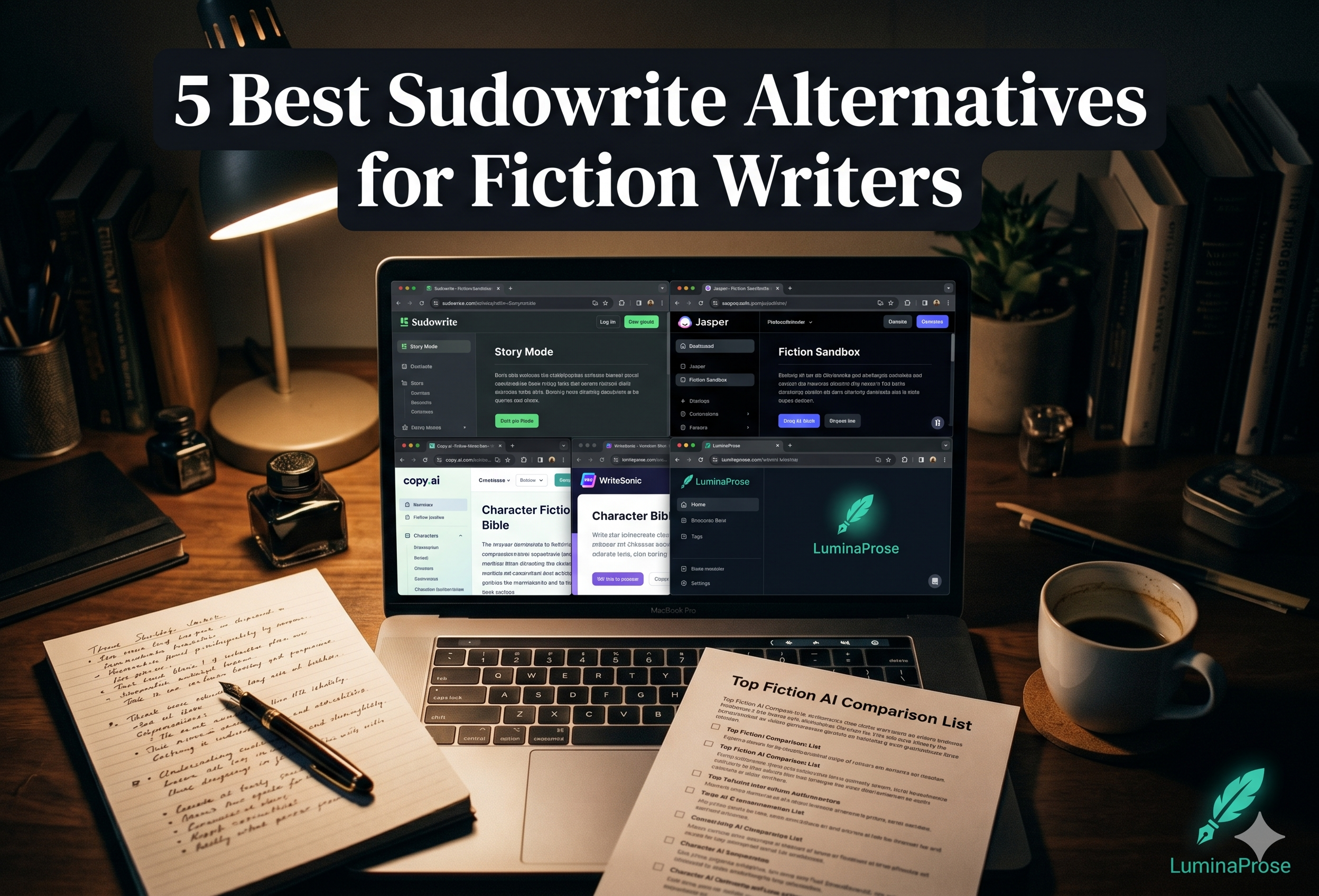
Sudowrite is genuinely good at what it does. The prose tools — Describe, Rewrite, Expand — are thoughtfully built for fiction writers, and the Story Engine can get you through a first draft faster than almost anything else. If you are purely a prose-crafter and the credit model works for your budget, it earns its reputation.
But a lot of writers end up searching for alternatives. Usually for one of four reasons:
- There is no permanent free plan — only a trial, after which you are paying from day one
- The credit system is opaque: costs vary by model and output length in ways that are hard to predict, and premium models drain credits 2–10× faster than standard ones
- The manuscript editor is built around Sudowrite's own document structure — exporting to .docx requires manual steps per document, and Story Bible contents are not included in standard exports by default
- The workflow is designed around Sudowrite's own generation tools; writers who want a rich editor alongside AI assistance, or who want more control over context, sometimes find it constraining
Here is a quick overview of how the main alternatives compare, followed by a detailed breakdown of each.
| Tool | Free Plan | Story Bible | AI Models | Export | Price from |
|---|---|---|---|---|---|
| LuminaProse | Yes (permanent) | Yes (integrated) | Multiple | DOCX / PDF / TXT | Free / $15 / $30 |
| Novelcrafter | Limited | Yes (codex-based) | BYOK / OpenRouter | Yes | ~$10/mo |
| Atticus | No | Limited | Basic | Excellent | $147 one-time |
| ChatGPT / Claude | Limited | Manual | Yes | Manual | $20/mo |
| Scrivener + AI | No | Manual | External | Excellent | $59 one-time |
1. LuminaProse
Best for: Writers who want Story Bible consistency built into every AI generation, a proper manuscript editor, and a free plan that is actually free.
LuminaProse is built around a single problem: keeping AI-generated fiction consistent with the story you have already established. The Story Bible — characters, locations, world-building notes — is not a separate reference document you have to remember to paste in. It is structurally integrated into every AI generation and chat request. When you generate a new scene, your characters' voices, physical descriptions, and relationships are already in context.
The writing workspace combines a full rich-text manuscript editor with an AI panel (Generate and Chat tabs), ARC/Outline management, and manuscript versioning — all in one interface. You are not switching between a writing app and an AI tool. If you are unfamiliar with Story Bibles and why they matter for long-form fiction, our complete guide to building a Story Bible covers the approach in detail.
Key differences from Sudowrite:
- Free plan that does not expire. The Free tier gives you 2 books and a monthly AI budget — no credit card, no trial clock. Sudowrite's free access ends after trial credits run out.
- Transparent pricing. Credits are metered at 2.5× actual provider cost across all plans, with clear monthly budgets per tier. No opaque per-feature variability.
- Export works properly. Manuscripts export to .docx, PDF, or TXT directly. No manual document-by-document process.
- Model choice. Free tier uses DeepSeek Flash. Starter ($15/mo) unlocks Claude Haiku, GPT Mini, Grok, and Gemini Flash. Pro ($30/mo) adds Claude Sonnet and GPT-4o — the same frontier models Sudowrite's premium mode uses, at a straightforward monthly price.
- Import from .docx. Bring an existing manuscript in directly, with automatic chapter and scene detection.
Where Sudowrite has the edge: Sudowrite's Describe tool for sensory prose enrichment is genuinely excellent and has no direct equivalent in LuminaProse. The Story Engine's beat-to-draft pipeline for writers who want a highly guided drafting flow is also more developed. If those specific workflows are central to how you write, that matters.
Pricing: Free / $15 / $30 per month. Start free — build up to 2 books, create your Story Bible, and generate AI-assisted fiction with no credit card required. luminaprose.com
2. Novelcrafter
Best for: Writers who want maximum control over AI context and prompting, and are comfortable with a more technical setup.
Novelcrafter takes a codex-based approach: you build a structured reference of characters, locations, and world elements, then control precisely which parts of that codex are injected into each AI prompt. It is powerful for writers who want fine-grained context control, but the setup investment is higher than most alternatives. The interface rewards patience.
Novelcrafter supports BYOK (Bring Your Own Key) via OpenRouter, which makes it appealing to API-literate writers who want to use their own model access. Plans start at around $10/month, with a limited free tier.
Where it falls short: The learning curve is steeper. Writers who want to open the app and write — rather than configure — often find it overwhelming early on. The manuscript editor is functional but not as polished as dedicated writing tools.
3. Atticus (with AI features)
Best for: Writers who prioritise formatting and publishing-ready output, with AI as a secondary concern.
Atticus is primarily a book formatting and writing tool — think Scrivener's publishing pipeline, but simpler and browser-based. It has added AI writing features, but they are not the core product. If your main frustration with Sudowrite is the lack of proper export and formatting, Atticus solves that problem directly.
It is not the right choice if AI-assisted drafting is central to your workflow — the AI tools are an addition, not the foundation. But for writers in the self-publishing pipeline who want clean, publishable output and some AI assistance, it fills a gap Sudowrite does not.
4. ChatGPT / Claude (direct)
Best for: Writers who want maximum flexibility and are willing to manage their own context.
The direct route — using ChatGPT or Claude via their standard interfaces — costs $20/month and gives you access to the same underlying models that power most fiction writing tools. The trade-off is that you manage everything manually: pasting in character notes, maintaining consistency yourself, organising outputs outside the tool.
Some experienced writers prefer this precisely because of the control. There are no tool-imposed constraints on how you structure your context or what you ask the model to do.
The limitation is everything that specialised tools provide: the Story Bible integration, the manuscript editor, the generation history, the version management. You are building your own workflow from scratch. For writers who know what they are doing, that is fine. For writers earlier in the AI-assisted writing journey, the overhead is real. Our post on keeping your novel consistent when writing with AI covers the manual techniques that make this approach work.
5. Scrivener + AI (manual workflow)
Best for: Established Scrivener users who want to add AI without changing their core workflow.
Scrivener remains the industry standard for long-form fiction organisation — outlining, scene management, research folders, compile-to-epub. It has no built-in AI. The workaround most writers use is keeping Scrivener for structure and draft management while using a separate AI tool for generation and editing assistance.
This is not a clean single-tool solution, but for writers deeply invested in Scrivener who have no desire to migrate, it is the pragmatic path. The friction is the context management: your Story Bible lives in Scrivener, your AI assistance lives elsewhere, and keeping them in sync is a manual process.
How to Choose
The question is not which tool is objectively best. It is which tool fits how you actually write.
If you want prose enrichment tools — sensory detail, scene expansion, style variations — and are happy paying from day one, Sudowrite is the strongest option in that specific niche.
If you want Story Bible consistency built into every AI generation, a proper manuscript editor, transparent pricing, and a permanent free plan to start with, LuminaProse is the more complete writing environment.
If you want deep technical control over AI context and are API-literate, Novelcrafter rewards the setup investment.
If you are primarily a self-publisher concerned with formatting and output quality, Atticus is worth looking at.
If you want maximum flexibility and are comfortable managing your own workflow, direct access to ChatGPT or Claude at $20/month is hard to argue with.
The best approach: most of the tools above have a free tier or free trial. Start with the one that matches your biggest frustration with your current workflow, and test it against a real chapter before committing.
Start free on LuminaProse — build up to 2 books, create your Story Bible, and generate AI-assisted fiction with no credit card required. luminaprose.com
By LuminaProse Team · June 2026